![rently .jpg]](https://help.rentlysoft.com/hs-fs/hubfs/rently%20.jpg?height=40&name=rently%20.jpg)
General Configuration
Company Details
In order to start configuring the system, you should start by completing the details of your Company
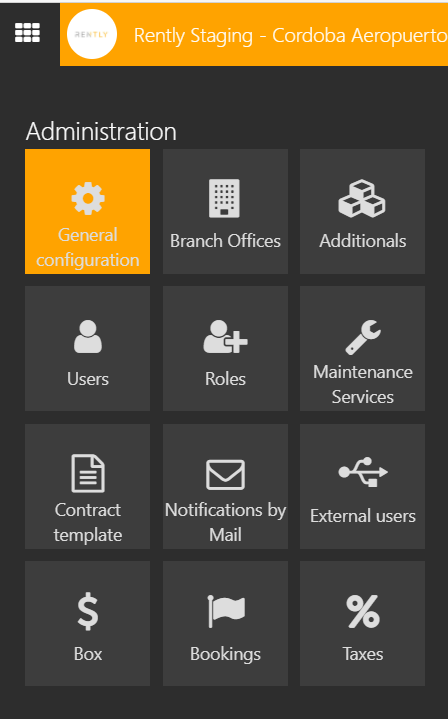
1. Enter General Configuration

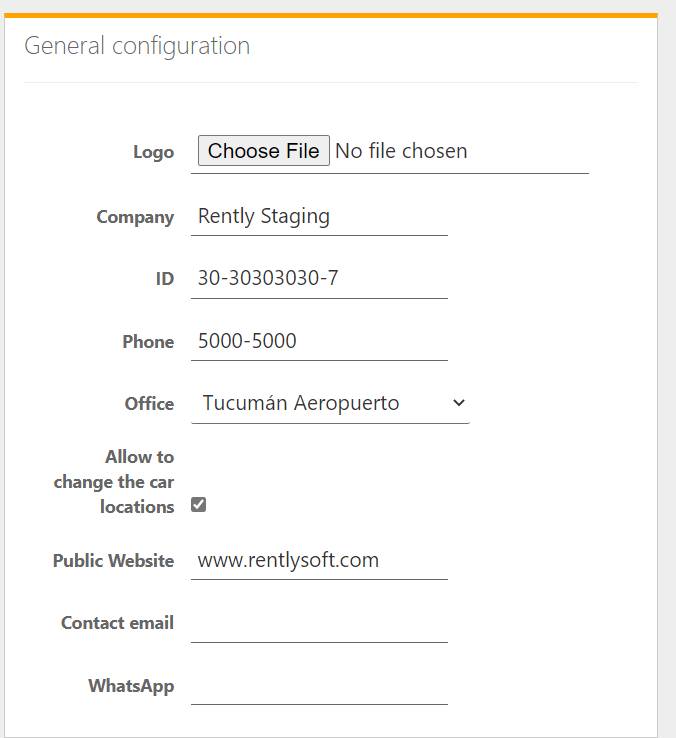
2. Enter all the Company's details

Enter your Company's:
* Logo, by choosing file
* Name
* Legal ID
* Phone
* Principal Office
* Public Website
* Contact Email
* WhatsApp
Allow to change the car locations, applies to Companies which have more than one branch, and want to enable to share availability.