-
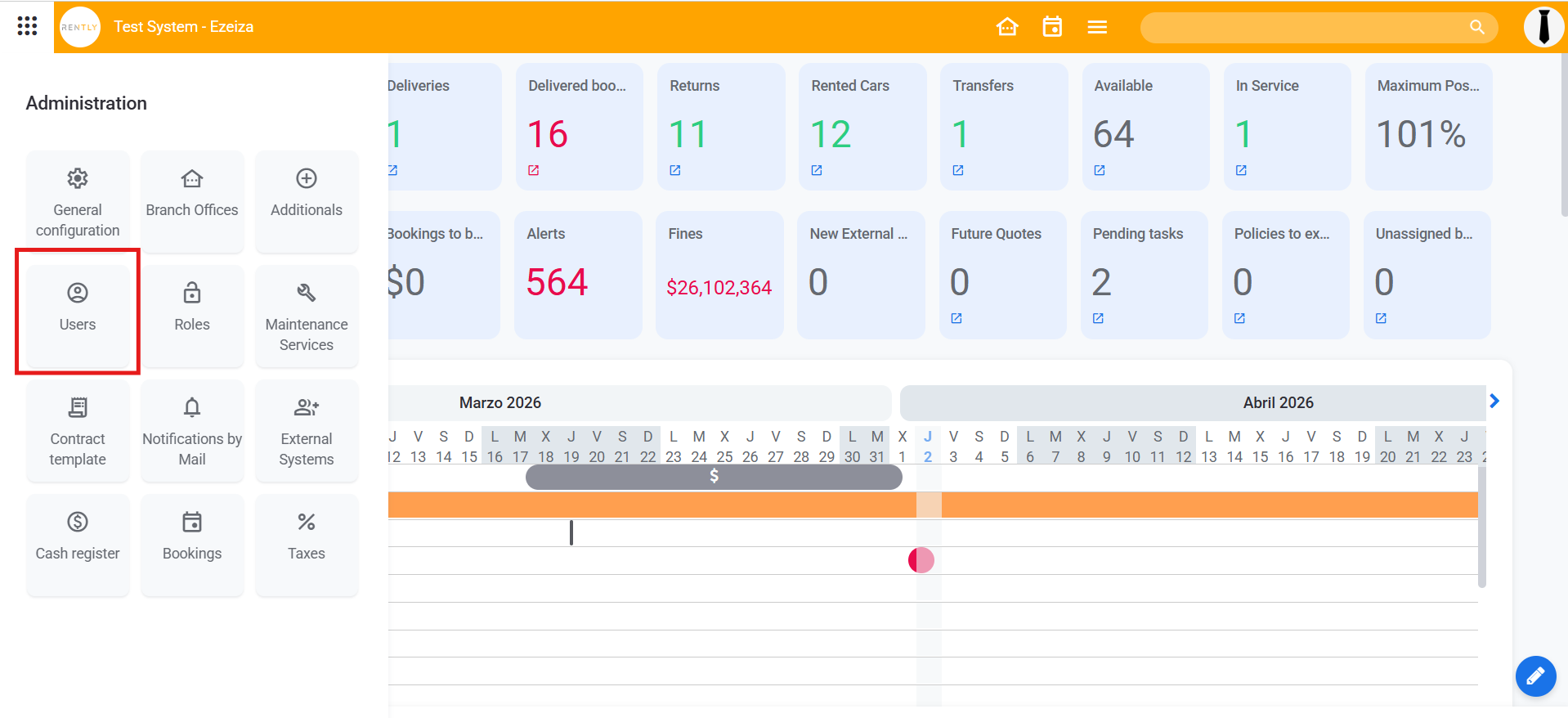
Start by clicking on "Users"
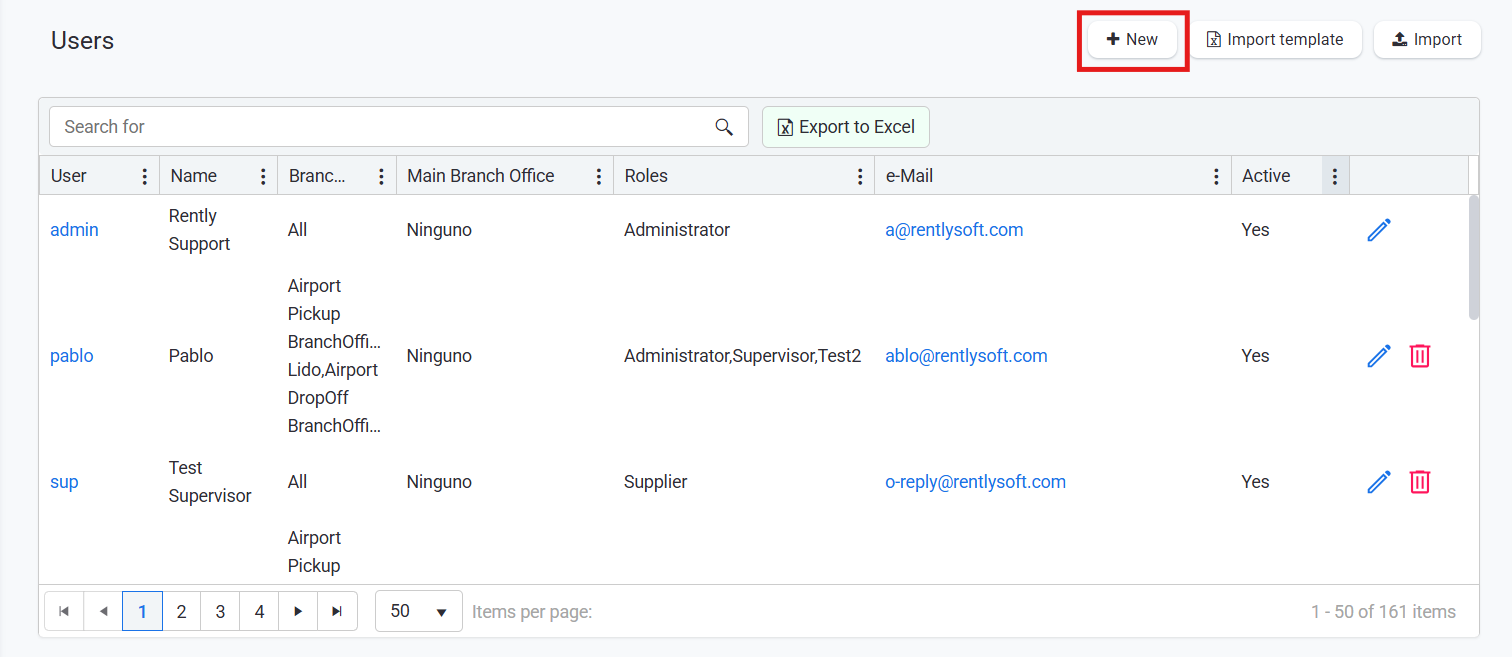
2. Click on "New"
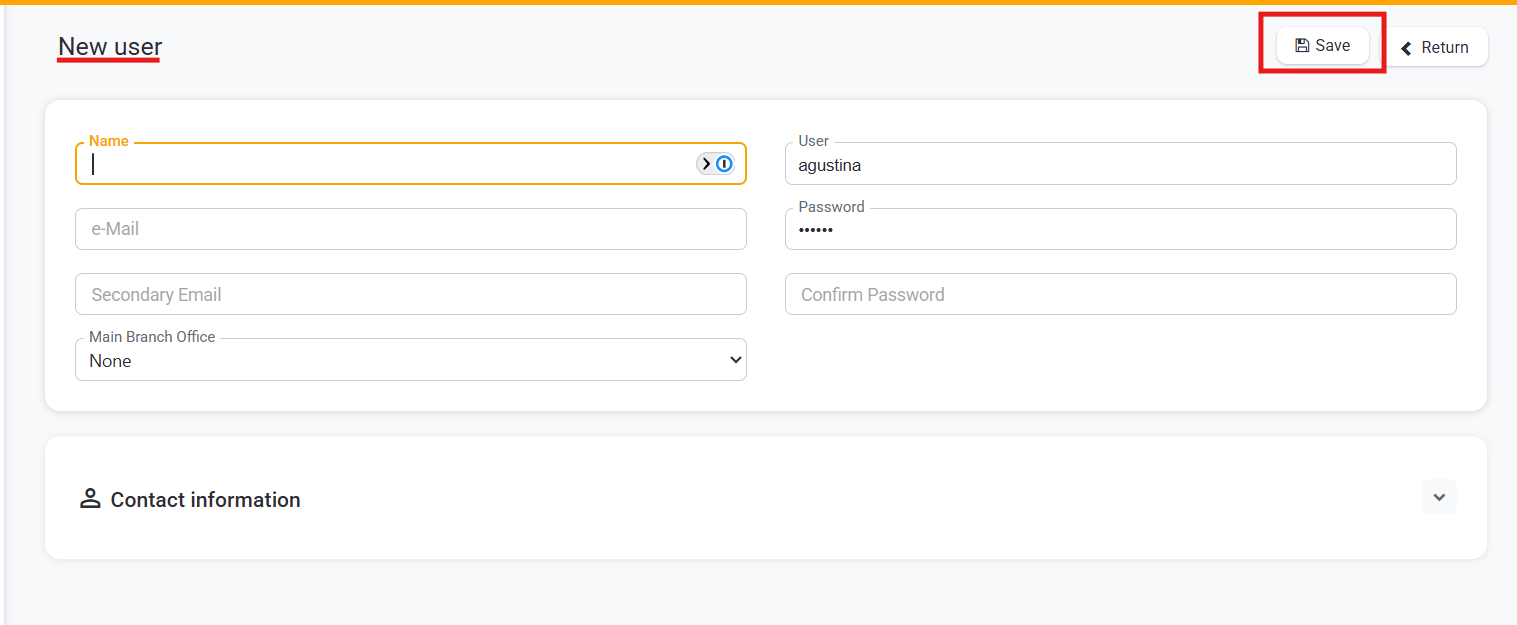
3. Fill in the fields
Once the User is created, you will have to assign them a ROLE. For more information about assigning a role to a User:
http://help.rentlysoft.com/en/articles/5336376-how-to-assign-a-role-to-a-user
Remember to always save te changes.
In case you do not have permission to proceed with this transaction, inform your administrator so he can enable you the "Can register accounts " permission.
English
![rently .jpg]](https://help.rentlysoft.com/hs-fs/hubfs/rently%20.jpg?height=40&name=rently%20.jpg)