![rently .jpg]](https://help.rentlysoft.com/hs-fs/hubfs/rently%20.jpg?height=40&name=rently%20.jpg)
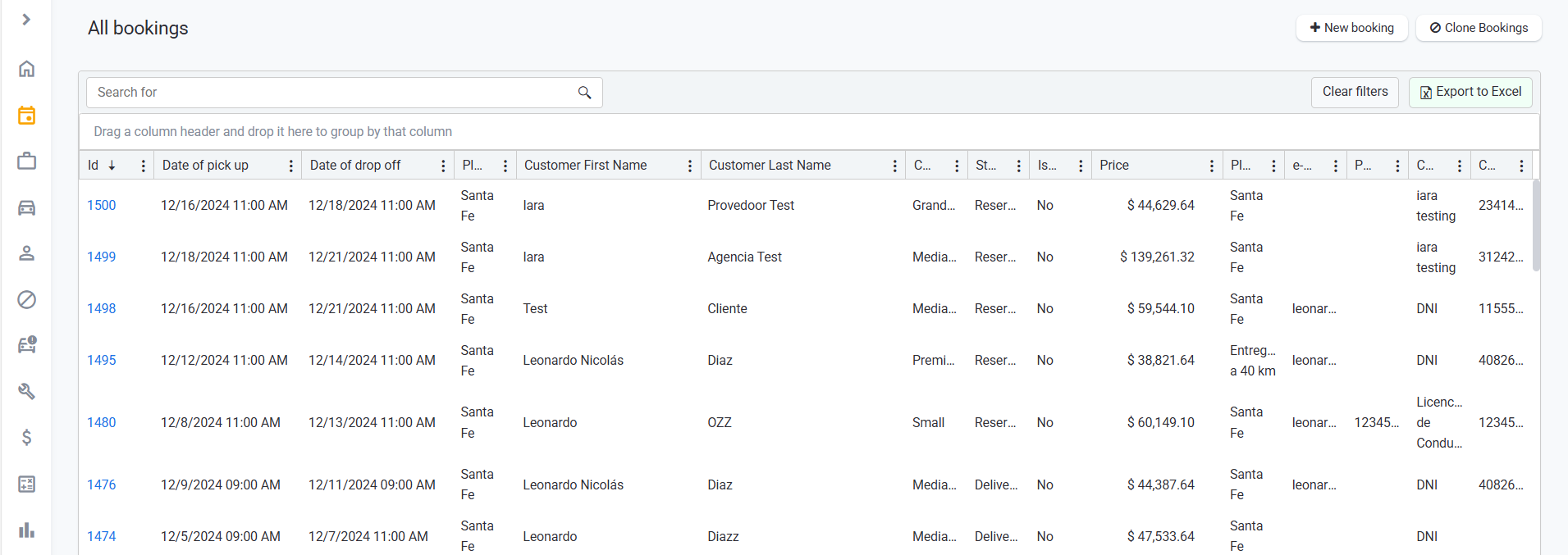
1. So, we should start from, clicking on Bookings > All Bookings and select the specific booking you need.
2. Once you are at the booking, on the top right corner you can find the button "Send Notification". Here you can choose the notification you want to send manually.

3. Pick the element on the list that you need.
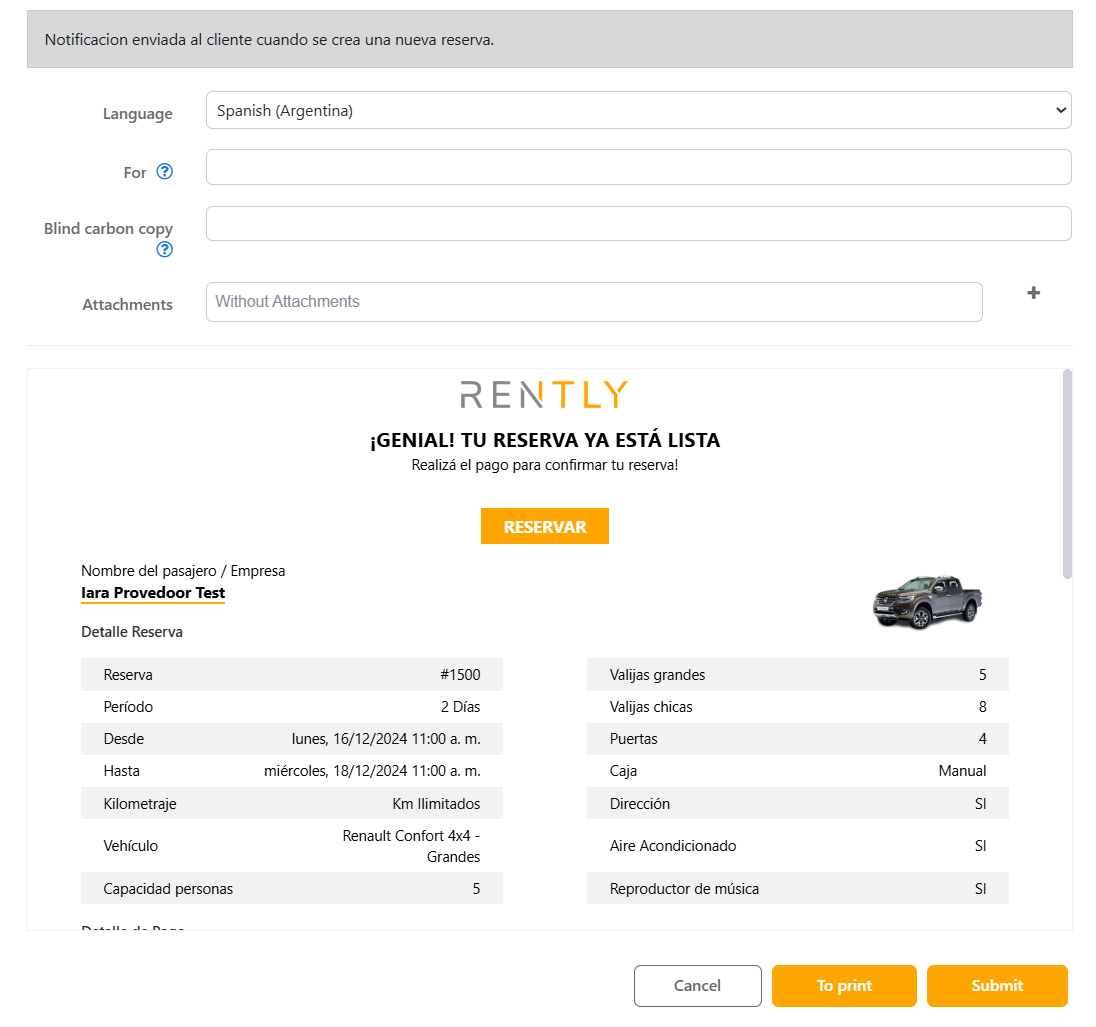
Check the email, and in case you need more recipients add the email address divided by a semicolon (";" )
Once your recipients are written down, press "To print" or "submit".
If you choose "To Print" you will have two options:
Print on a sheet of paper
Print to pdf format
And by clicking submit you are sending the notification to the mails written above.
In case you do not have permission to proceed with this transaction, inform your administrator so he can enable you the "Can resend email " permission.