![rently .jpg]](https://help.rentlysoft.com/hs-fs/hubfs/rently%20.jpg?height=40&name=rently%20.jpg)
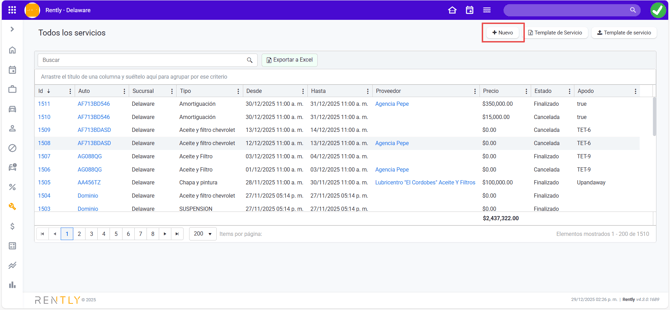
To associate a service with an incident, go to Services in the sidebar and click All Services. Then click +New.
Enter the vehicle ID.
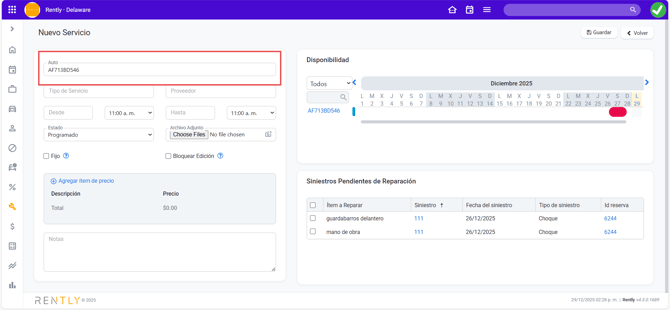
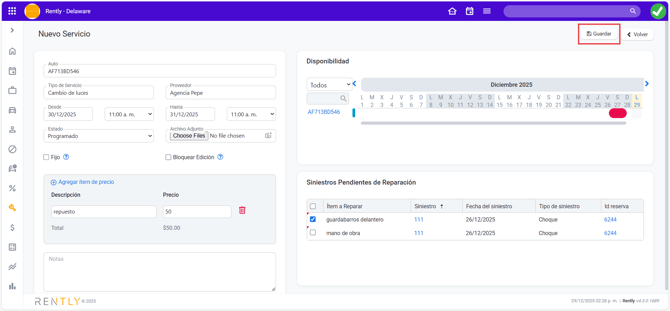
If the vehicle has pending incidents under repair, they will appear in that section. Select the incident related to the service.

If the vehicle has incidents associated with different reservations, the system will automatically detect this and allow the incident to be associated with one or multiple services.
Next, enter the details of the service to be performed, including:
-
Service type
-
Supplier
-
Service start and end date
-
Service status (scheduled, in progress, completed, or canceled)
You can also add a price item.
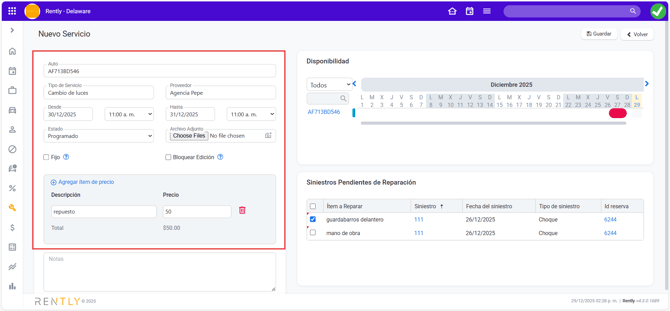
When finished, click Save.
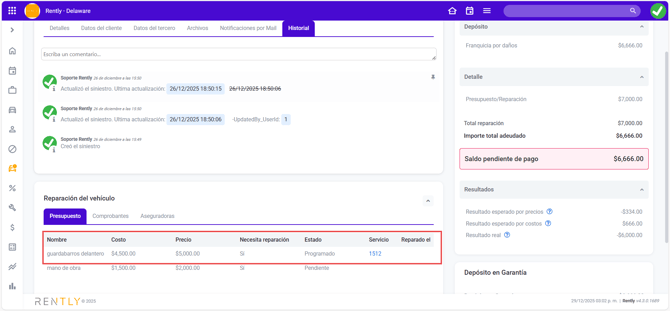
When you access the incident, you will see the associated service as well as its current status.