To insert the Skyscanner ID on your website, go to General Configurations in the sidebar and click on SEO.
There, you will find the Skyscanner section. Enter your Skyscanner Tracking ID.
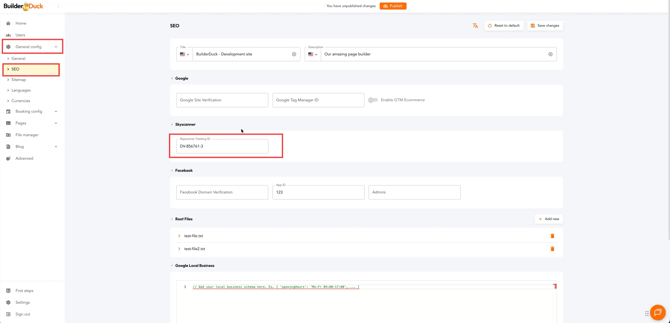
Then click Save.
![rently .jpg]](https://help.rentlysoft.com/hs-fs/hubfs/rently%20.jpg?height=40&name=rently%20.jpg)
To insert the Skyscanner ID on your website, go to General Configurations in the sidebar and click on SEO.
There, you will find the Skyscanner section. Enter your Skyscanner Tracking ID.
Then click Save.