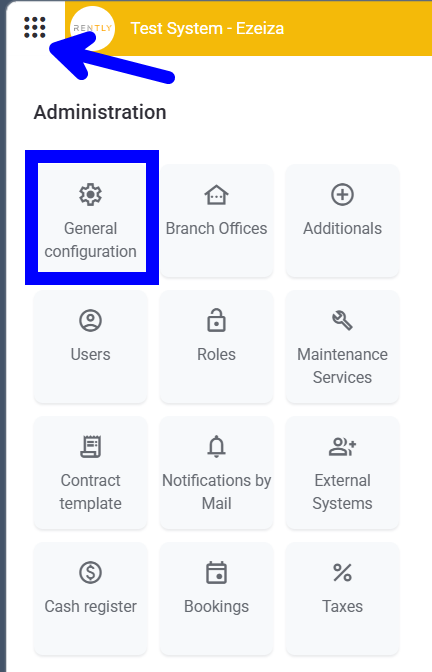
-
-
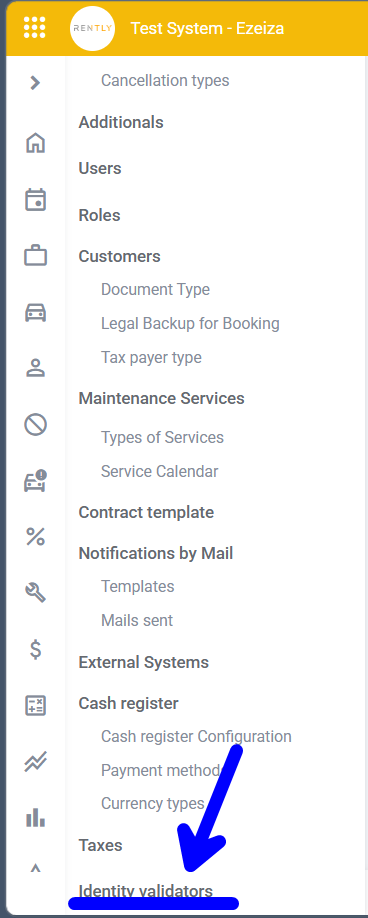
Select the ‘Identity Validators’ option
-
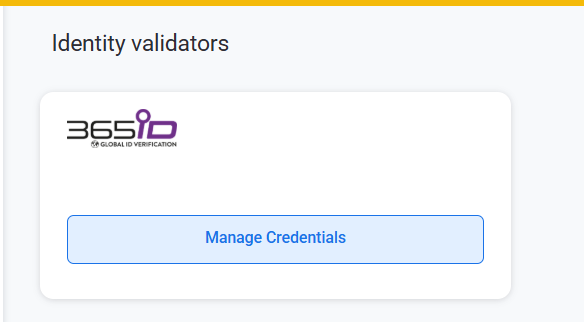
Click on ‘Manage Credentials’
-
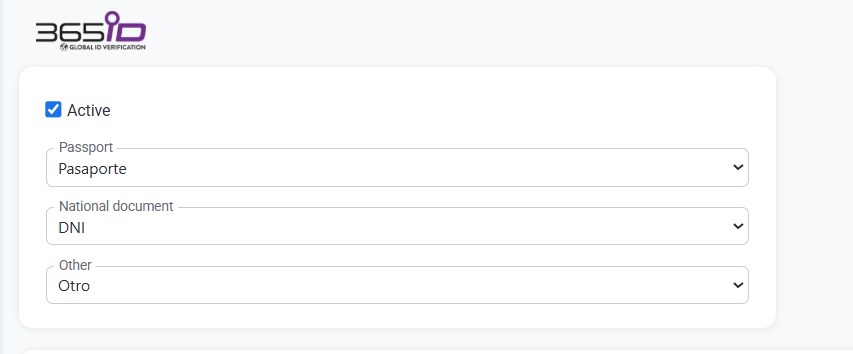
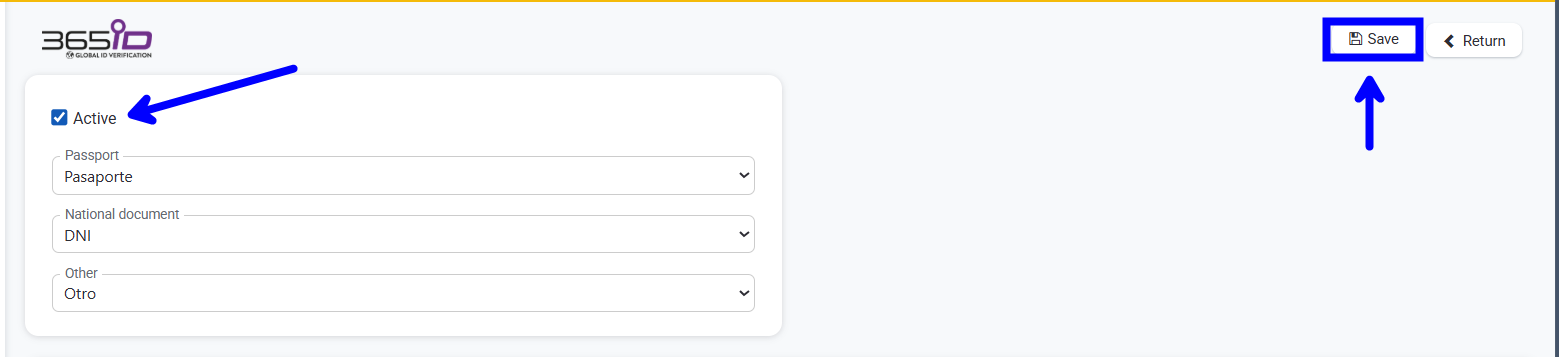
Please check that the type of document meets your requirements
-
Click ‘Add’ to link the physical devices
SN: You will find this on the back of the physical device
Nickname: A name you can give it to identify which workstation it belongs to, for example
Branch: The branch where this device will be usedRemember to activate and save.
English
![rently .jpg]](https://help.rentlysoft.com/hs-fs/hubfs/rently%20.jpg?height=40&name=rently%20.jpg)