![rently .jpg]](https://help.rentlysoft.com/hs-fs/hubfs/rently%20.jpg?height=40&name=rently%20.jpg)
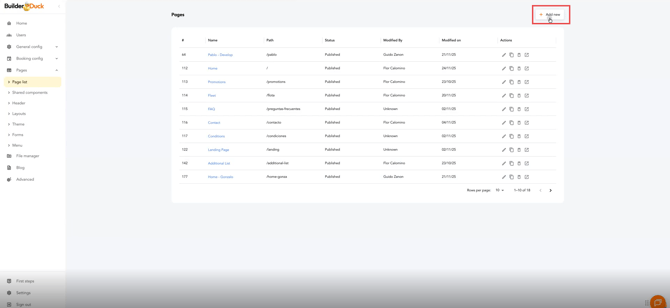
To create a thank-you page that automatically pulls the reservation data, go to Pages and select Page List. Then click New.
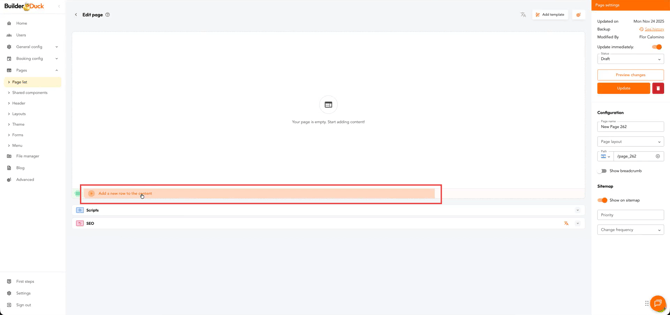
Add a new column to the content.
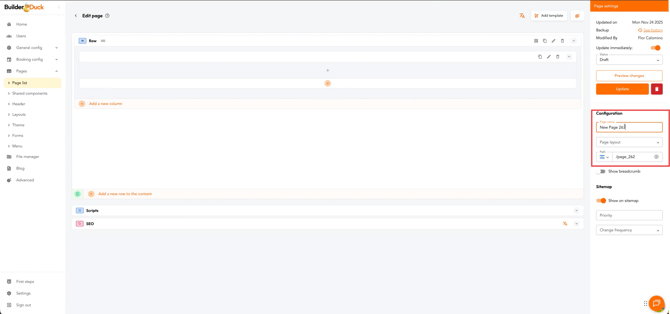
In the sidebar, enter the page name, choose the layout, and add the URL path in their respective fields.
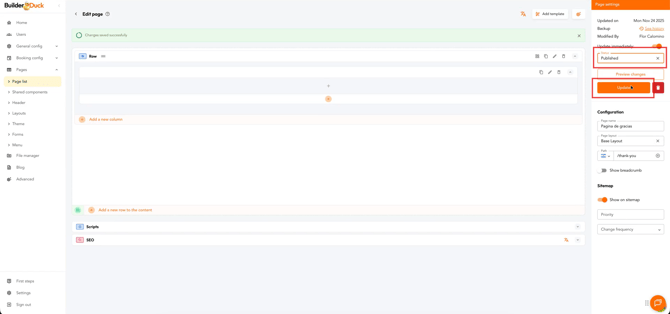
Then publish the page. To do this, select Publish from the dropdown menu and click the Update button.
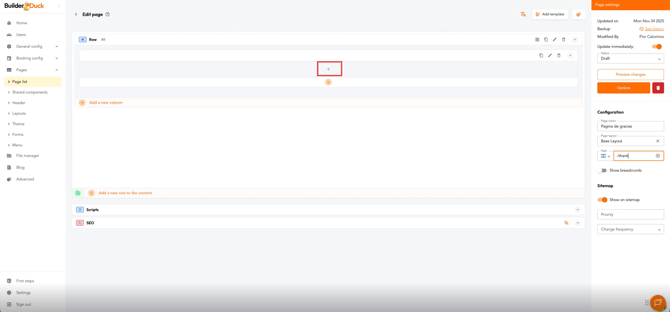
Click the + button.
Select Booking Summary.
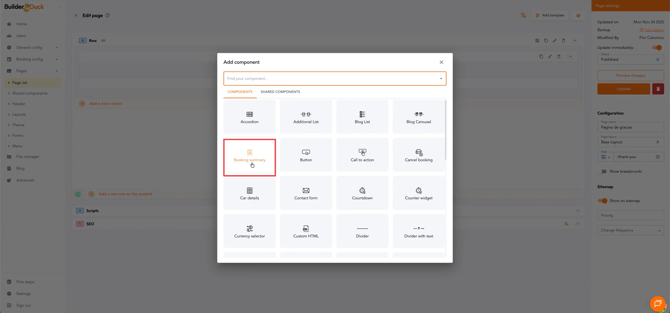
The Booking Summary component only works after a reservation has been successfully completed. If there is no completed reservation beforehand, the component will not display any information.
Then click Update. After that, click Back to return to the page list and go to the Home page.
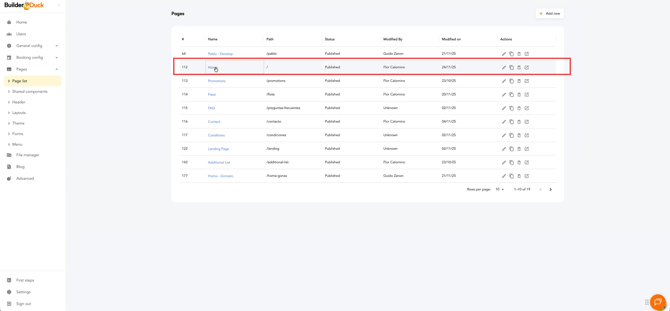
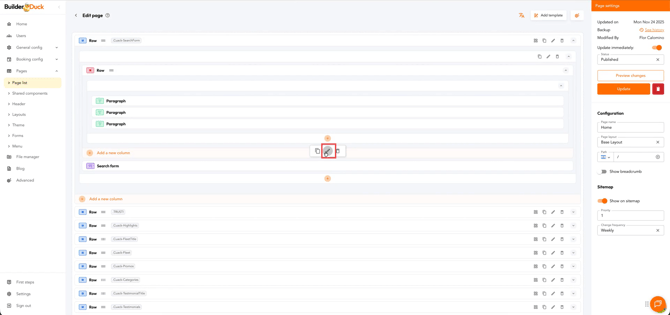
Go to the Search Form element and click the Edit button.
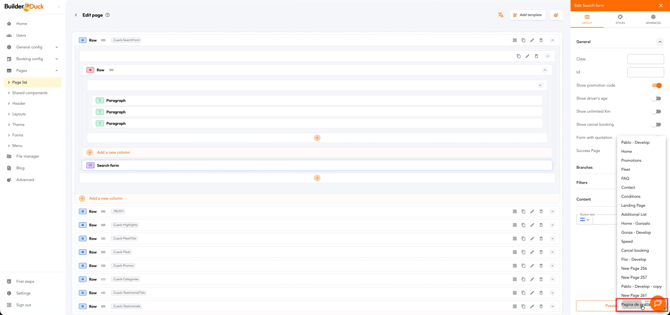
In the sidebar, locate the Success Page field and select your newly created success page from the dropdown menu.
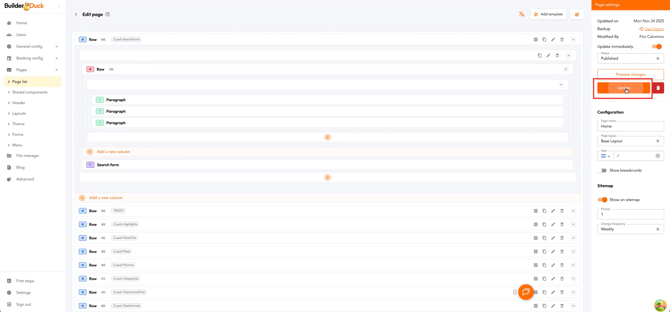
Close the sidebar and click Update.
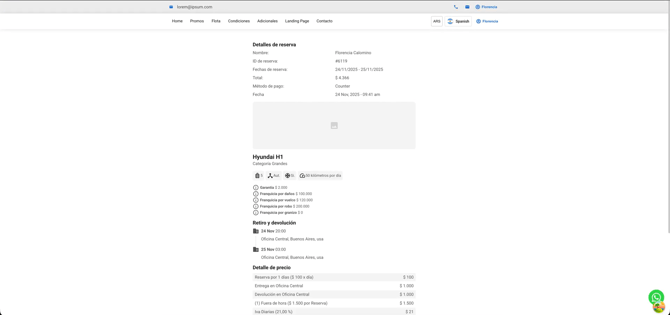
When a user completes a reservation, they will see a summary like this.