![rently .jpg]](https://help.rentlysoft.com/hs-fs/hubfs/rently%20.jpg?height=40&name=rently%20.jpg)
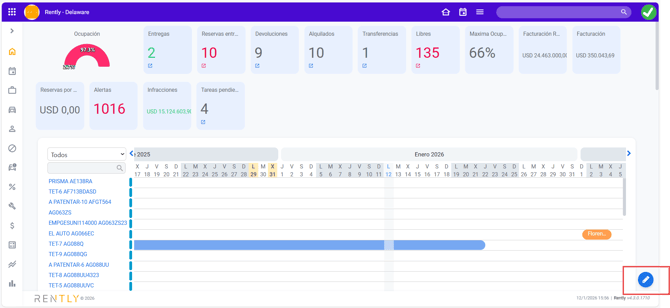
To display customer names in calendar bookings, go to the home page dashboard and click the edit icon.
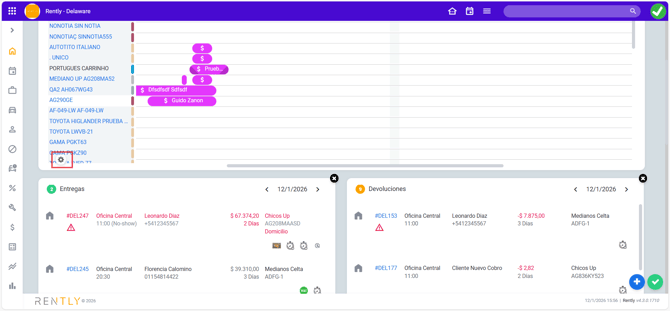
In the reservations calendar card, click the gear icon.
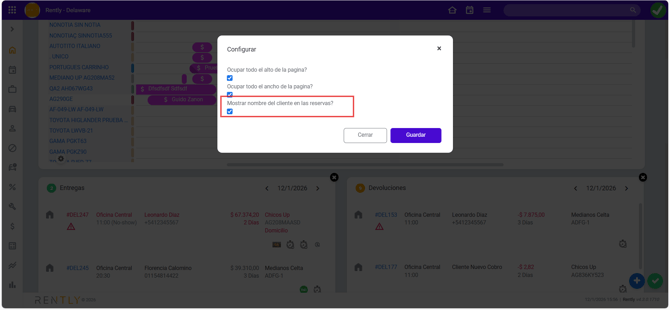
In the pop-up window, enable the option “Show customer name in reservations.”
After reloading the page, you will see customer names displayed on the calendar.
